Quick answer
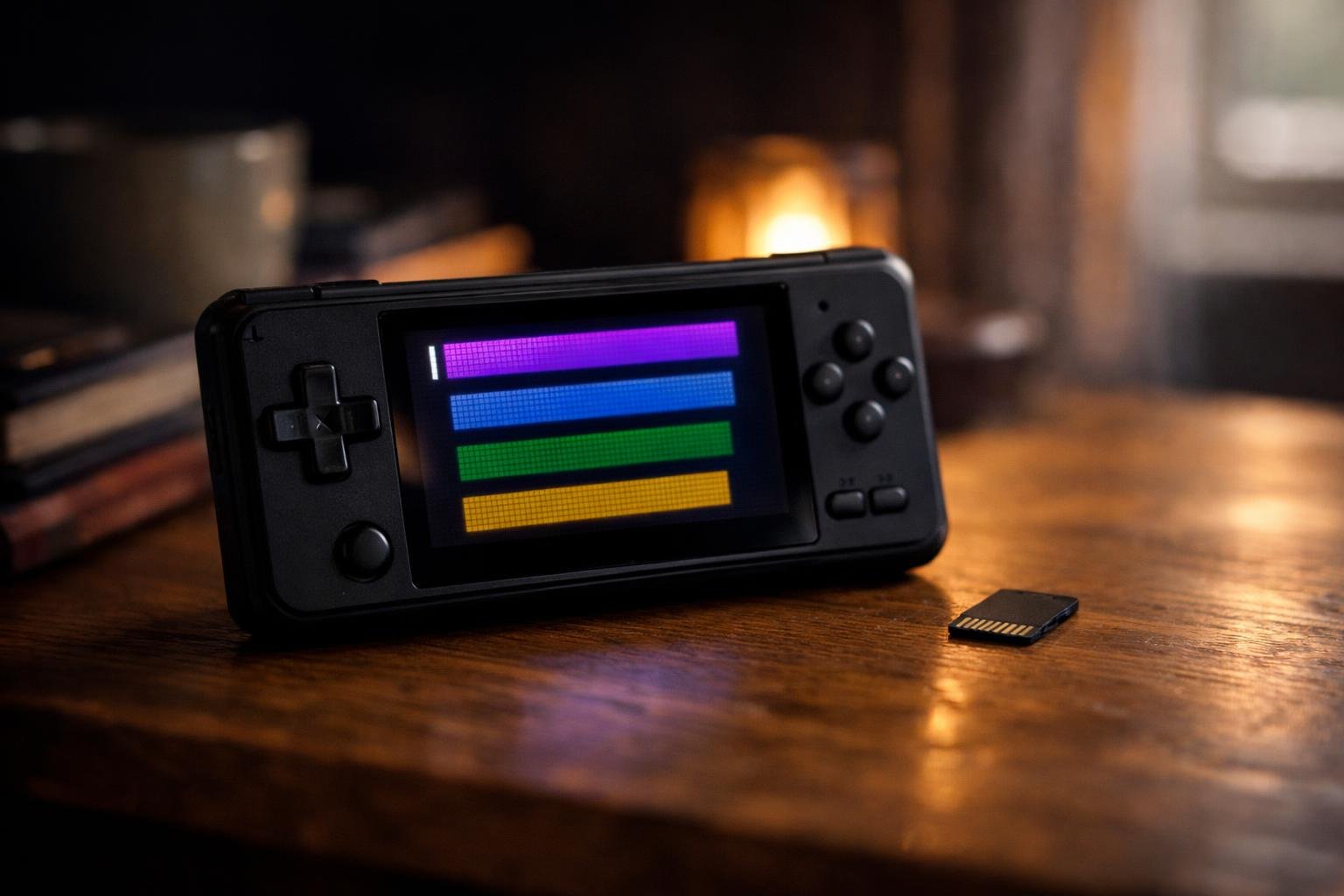
Most retro handhelds do not need firmware updates before you can play, especially if they arrive set up with games already loaded. Firmware news matters to hobbyists, but beginners should treat updates as optional maintenance, not a first-day job.
- Recalbox news: Recalbox 11 is adding support for more handhelds
- Beginner answer: play first, update only if you need to
- Risk: flashing the wrong firmware can stop a handheld booting properly
- Ready-to-play route: no setup, no WiFi and no subscription needed
- Best simple pick: GameBro R36S (128GB) at £49.99
What did Recalbox 11 change for handheld buyers?
Recalbox 11 matters because it shows how quickly retro handheld firmware is still moving. On 7 November 2026, Recalbox announced that Recalbox 11 is coming to the Retroid Pocket Nova, Anbernic RG35 and RG35XX Pro, which is useful news if you follow custom firmware projects closely.
For beginners, the key point is not that everyone suddenly needs to install Recalbox. The real lesson is that handhelds are small computers, and the software underneath them can change over time. That software affects menus, emulator settings, controller mapping and sometimes which systems feel easiest to use.
Nerd Hobbies made the same point from another angle when covering ROCKNIX 20261101, warning readers to match the update to the exact handheld before installing it. That is the part beginners should care about: firmware can be helpful, but the wrong file for the wrong model is where problems start.
What is retro handheld firmware in plain English?
Retro handheld firmware is the built-in software that makes the console start up, show menus and launch games. Think of it as the handheld’s operating system, sitting between the buttons, screen, storage and the emulators that run systems such as NES, SNES, GB, GBC, GBA, N64, PS1, PSP and Arcade.
Firmware is not the same thing as a game library. It is also not the same thing as the microSD card’s storage size, the screen, or the battery. If terms like BIOS, emulator core, ROM, image file or ArkOS R36S feel like alphabet soup, our retro handheld glossary explains the common words without assuming you already know them.
On a ready-to-play handheld, most of this is invisible. You turn it on, pick a system, choose a game like Marble Madness, Vectorman, Super Monaco GP, NBA Live ’96 or Neo Turf Masters, and play. That is how it should feel for a beginner.
Do retro handhelds need firmware updates to play games?
No, retro handhelds do not usually need firmware updates just to play games. If the handheld is already working, boots cleanly and the controls behave as expected, an update is not automatically better than leaving it alone.
This is where the buying route matters. Every GameBro console arrives with games pre-loaded on a microSD card, ready to play, with no setup, no WiFi and no subscription needed. That means a beginner does not need to flash a card on day one, create online accounts, or follow a long setup video before playing.
Firmware updates can still be useful. Hobbyists may update to try a new interface, improve compatibility on a specific device, or tidy up emulator behaviour. But that is different from needing an update. For a parent buying a gift, or someone who just wants SNES, GBA, PS1 or Arcade games on the sofa, stable and simple usually beats newest.
When should a beginner update, and when should they leave it alone?
A beginner should update only when there is a clear reason, not because a new version exists. Firmware is worth touching when it fixes a problem you actually have, supports your exact model, and you are comfortable backing up the card first.
| Situation | Should you update? | Plain-English reason |
|---|---|---|
| The handheld works and games launch | Usually no | You are more likely to create work than solve a problem |
| A trusted guide names your exact model | Maybe | Model names can be very similar, so exact matching matters |
| You downloaded firmware for a similar-looking handheld | No | Similar shells do not mean identical software |
| You need a specific fix mentioned in release notes | Maybe | There is a clear benefit if it applies to your device |
| You are buying for a child or as a gift | Usually no | Ready to play is more important than tinkering |
If something is already wrong, do not jump straight to a random R36S firmware update. Start with basic checks: charge level, microSD seating, whether the card is being read, and whether the issue affects every game or just one system. Our R36S troubleshooting guide is the safer first step before rewriting software.
How does the R36S firmware question compare with Anbernic and Recalbox handhelds?
The R36S firmware question is simpler for many beginners because the GameBro R36S is sold as a ready-to-play console, not a firmware project. The GameBro R36S (128GB) has a 3.5-inch IPS 640x480 screen, 3500mAh battery rated for 6+ hours, 128GB storage and 40,000+ games across 20+ systems. It has no WiFi, Bluetooth or HDMI, which keeps the experience focused on handheld play.
Anbernic models can offer more connectivity, depending on the device. The Anbernic RG35XX Plus we stock has WiFi, Bluetooth and HDMI out, while the RG40XX V also has WiFi, Bluetooth and HDMI out. Those features are useful if you want wireless functions or TV output, but they do not make firmware updates mandatory.
The Recalbox 11 news is about specific named handhelds, including the Anbernic RG35 and RG35XX Pro. That does not mean every similarly named Anbernic device should be treated as supported. With firmware, exact model names matter more than vibes.
What should UK beginners buy if they do not want a firmware project?
UK beginners should buy a ready-to-play retro handheld with the screen size, battery life and controls they will actually enjoy, rather than chasing the busiest firmware scene. For most shoppers, that means choosing the handheld first and treating firmware as background information.
The R36S remains our straightforward value pick because it gives you a proper 3.5-inch IPS screen, 128GB storage, a 3500mAh battery rated for 6+ hours, and a large pre-loaded library across 20+ systems. It is rated 4.8 out of 5 from 200 reviews, and it suits players who want GB, GBC, GBA, SNES, PS1, PSP and Arcade options without online setup.
If you want a larger display, the R36S Max has a 4-inch 720x720 IPS screen and a 4000mAh battery. If you want WiFi in the R36S family, the R36S Ultra includes WiFi and a square 4-inch 720x720 screen that works nicely for Game Boy and arcade games. If you are still weighing screen shapes and systems, our retro handheld buying guide is the better next read.
For delivery, Standard Delivery is free and takes 1–3 working days, while Next Day Delivery costs £4.99. Every console also has a 12-month warranty and 30-day returns, which is more useful to most beginners than another firmware changelog.
Frequently Asked Questions
Is Recalbox 11 something every retro handheld owner should install?
No. Recalbox 11 is relevant if it supports your exact handheld and you want that firmware experience. If your device already works well, you do not need to change it just because a new release exists.
Can a firmware update break a retro handheld?
It can cause problems if the wrong firmware is used, the card is written incorrectly, or the update is meant for a different model. That is why beginners should only update when they have a clear reason and exact instructions.
Does the R36S need WiFi for firmware updates?
The R36S does not have WiFi, and it does not need WiFi to play its pre-loaded games. Firmware work, if you choose to do it, is usually handled through the storage card rather than online updates on the device.
What does ArkOS R36S mean?
It is a common search phrase people use when looking into R36S software and firmware. Beginners do not need to understand every firmware name before playing, but they should be careful to follow guides for their exact device.
Start with the simple R36S route
The GameBro R36S (128GB) is the clean answer if you want retro handheld firmware to stay in the background: 40,000+ games, 20+ systems, no setup and no WiFi needed, from £49.99.
The GameBro R36S (128GB) is £49.99 from UK stock, with Next Day Delivery for £4.99 or free Standard Delivery in 1–3 working days. Every console comes with a 12-month warranty and 30-day returns.
Buying for more than one person? Order 2 and every R36S drops 10%, rising to 25% off at 5 or more, any mix of colours.
Newsletter subscribers pay less with a code: get the code on the product page.
See the R36S →The verdict
Retro handheld firmware is worth understanding, but it should not scare beginners away. If you enjoy tinkering, Recalbox, ROCKNIX and similar projects are interesting, but if you just want to play, buy a ready-to-play handheld and leave updates until you have a real reason.
Read next: Retro Handheld Glossary: 40 Emulation Terms Explained Simply, R36S Not Working? 12 Common Problems and How to Fix Them, Do retro handhelds need WiFi or subscriptions to play? or Retro Handheld Buying Guide 2026: What Actually Matters.
← Back to Blog