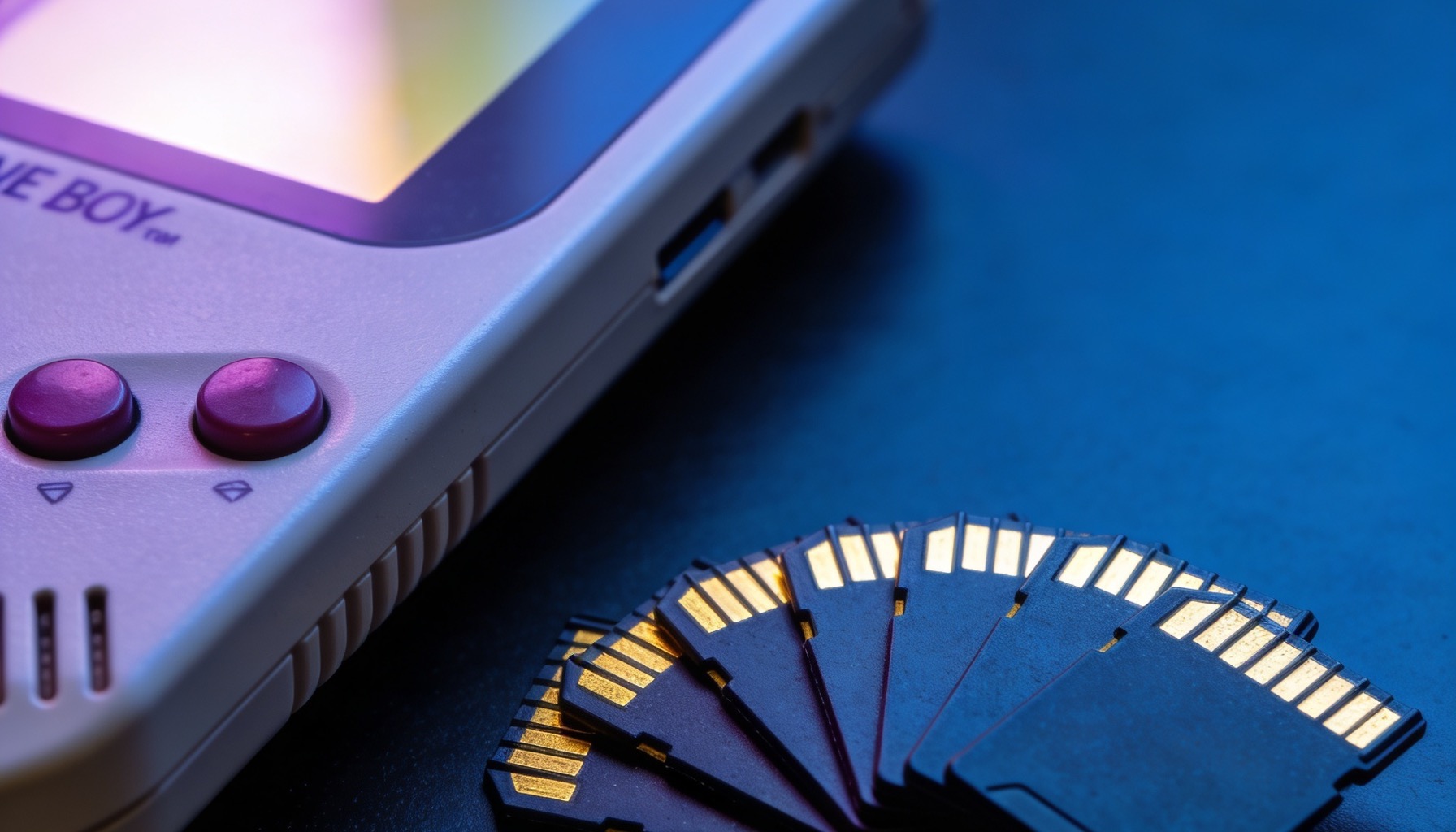
The microSD card is the beating heart of a budget retro handheld. Devices like the R36S and RG35XX H run their entire firmware, save files and game library straight off the card — so the one you choose has a real impact on how reliable and how fast your handheld feels.
Pick a cheap, fake or slow card and you can end up with long load times, corrupted saves or a handheld that will not boot at all. Pick a good one and it will simply work, for years. This guide explains exactly what to look for, what the confusing numbers on the card actually mean, and which cards we recommend.
Do You Even Need a New Card?
If you buy an R36S from GameBro, the answer is often no — it ships with a 128GB card already pre-loaded with over 40,000 games, ready to play out of the box. You do not need to buy or set up anything.
So why would you want a second card? A few good reasons:
- A backup. SD cards do eventually wear out. A spare, imaged copy means a dead card is a five-minute fix, not a lost library.
- More space. If you want to add demanding systems like PSP, Dreamcast or N64 — whose games are far larger — a bigger card gives you room.
- A two-card setup. Many handhelds support a second card slot, letting you keep firmware on one and a huge game collection on the other.
- Tinkering safely. If you want to experiment with custom firmware, doing it on a separate card keeps your original intact.
Understanding the Numbers on a Card
The markings on a microSD card look like alphabet soup, but only a few of them matter for retro gaming. Here is what they mean:
- Speed Class (C10): The C with a 10 inside means a guaranteed minimum write speed of 10 MB/s. This is the baseline you want — avoid anything lower.
- UHS Speed Class (U1 / U3): The number inside a U-shape. U1 = 10 MB/s minimum, U3 = 30 MB/s minimum. U1 is fine for retro handhelds; U3 is a nice bonus but not essential.
- Application Class (A1 / A2): This is the one that actually matters most. A1 and A2 rate random read/write performance — how quickly the card handles lots of small operations. Since emulators constantly read many small files, an A1 or A2 card noticeably reduces load times and stutter. Prefer A2 where you can, A1 as a minimum.
- Bus speed (UHS-I): Almost all consumer microSD cards are UHS-I. Budget handhelds cannot use the faster UHS-II bus, so do not pay extra for it — it is wasted money on these devices.
The short version: for a retro handheld, you want a genuine, branded UHS-I card rated A1 or A2. Raw sequential speed (the big "170 MB/s" number on the packaging) matters far less than the application class.
What Size Should You Buy?
Bigger is not always better. The right size depends on which systems you want to play:
- 64GB — Plenty for the 8-bit and 16-bit eras: NES, SNES, Mega Drive, Game Boy, GBA and arcade. These games are tiny, so 64GB holds thousands of them.
- 128GB — The sweet spot, and what the R36S ships with. Comfortably covers everything above plus a healthy PS1 collection and a selection of PSP and Dreamcast titles.
- 256GB — A great choice if you want a large PSP, Dreamcast or N64 library, since those games are much bigger. Ideal for a "fill it with everything" second card.
- 512GB and above — Overkill for most people. Only worth it if you genuinely want huge collections of the largest-format systems. Note that some budget handhelds and firmware can be fussy with very large cards, so check compatibility first.
A practical recommendation: 128GB or 256GB of a good A2 card covers virtually everyone, with room to grow.
Best microSD Card Brands
Stick to reputable brands. The retro community has trusted these for years because they are reliable and rarely counterfeited when bought from legitimate sellers:
- SanDisk (Extreme / Extreme Plus / Ultra): The go-to choice. The SanDisk Extreme range is A2-rated and superb for retro handhelds. The cheaper Ultra line (A1) is also perfectly fine.
- Samsung (EVO Plus / PRO Plus): Excellent reliability and strong random performance. The EVO Plus is a favourite for its balance of price and quality.
- Kingston (Canvas Select Plus / Canvas Go! Plus): Solid, affordable and widely available. The Canvas Go! Plus is A2-rated.
- Lexar (Professional 633x / 1066x): A reliable alternative with good A1/A2 options.
Avoid ultra-cheap, no-name cards from marketplace listings. Many are counterfeit — they report a fake capacity (a "512GB" card that is really 32GB), corrupt your data once full, and fail without warning. The few pounds you save are not worth a corrupted save file.
How to Avoid Fake SD Cards
- Buy from reputable sellers. A suspiciously cheap high-capacity card is the number-one red flag.
- Test a new card before trusting it. Free tools like H2testw (Windows) or F3 (Mac/Linux) write and verify data across the whole card to confirm its real capacity.
- Check the price. If a 512GB card costs less than a branded 64GB one, it is almost certainly fake.
Looking After Your Card
- Eject safely. Always power the handheld off (or safely eject on a computer) before removing the card to avoid corruption.
- Format with the right tool. Use the official SD Card Formatter, and match the file system your firmware expects (often FAT32 or exFAT depending on size).
- Back up your saves. Copy your save folder to a computer every so often. Cards do not last forever, and saves are the one thing you cannot re-download.
- Keep a spare imaged. Cloning your working card to a backup means a failure is a quick swap, not a lost weekend.
Why Buy Your Handheld From GameBro?
One of the biggest hidden problems with ordering cheap handhelds direct from China is the SD card. Clone devices frequently ship with low-quality or fake cards that fail within weeks — and that is if the device arrives at all, since deliveries can take weeks and faulty units are common. Every R36S we sell comes with a quality 128GB card pre-loaded and ready to play, is kept in UK stock with fast 2–3 day delivery, and is backed by a 12-month warranty with real UK support.
Ready to start playing?
Every handheld ships pre-loaded and ready to go, in UK stock with FREE shipping and fast 2–3 day delivery.
Browse All Handhelds →The Verdict
For a retro handheld, buy a genuine, branded UHS-I card rated A1 or A2 — SanDisk Extreme or Samsung EVO Plus are safe bets. Pick 128GB or 256GB, avoid suspiciously cheap no-name cards, and keep a backup of your saves.
The good news is that with an R36S you get a quality pre-loaded card in the box, so you can simply play. When you fancy adding the bigger PSP and N64 libraries, grab a good A2 card and you are set. New to all this? Start with our R36S review or our UK buyer's guide, then head to our shop.
← Back to Blog